Direct ImportSummaryPractice modes
Direct YouTube URL Import
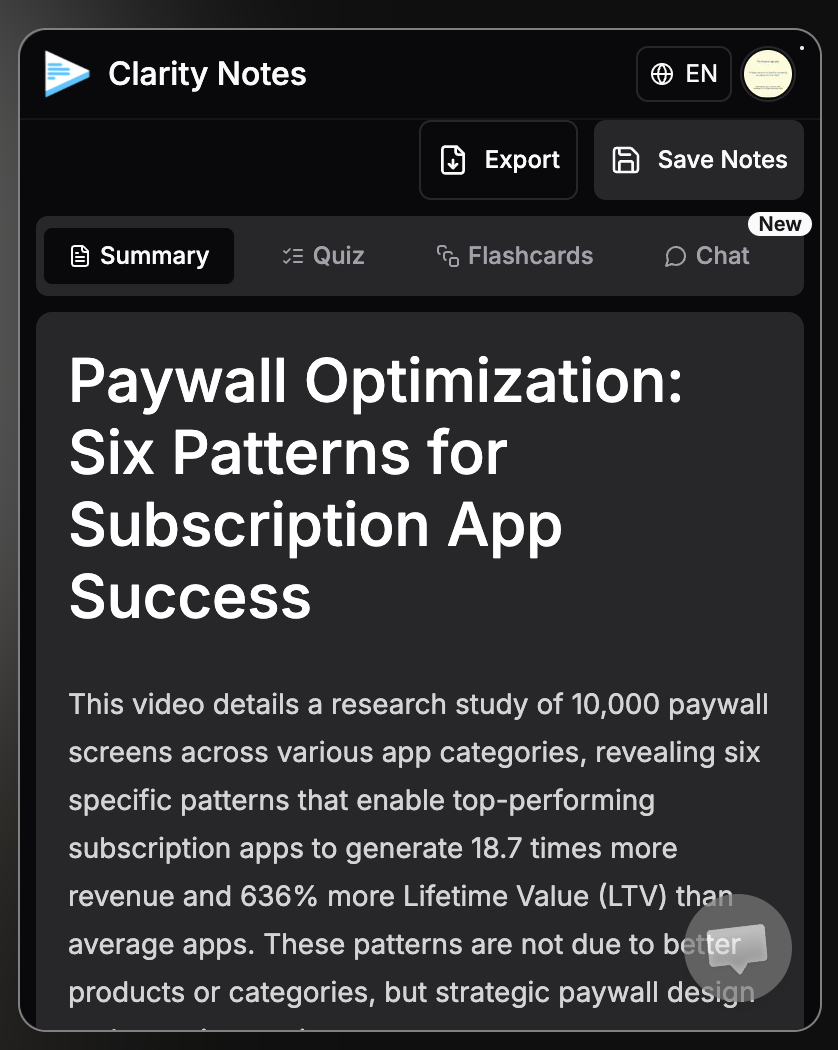
Paste any YouTube URL directly inside the web app to automatically fetch the transcript and generate complete study workspaces — no extension required.
Paste a YouTube link or transcript and get summaries, quizzes, flashcards, and chat in under a minute.
Built for students, self-learners, and anyone who learns from video.
Product flow
The core experience stays practical: add material, generate structure, practice, then save everything in one place.
Paste a YouTube link or bring your own transcript from a lecture, tutorial, podcast, or class note.
Clarity Notes turns the source into structured summaries, key concepts, and definitions.
Switch from reading to quizzes and flashcards without rebuilding your study material manually.
Keep notes, source links, transcripts, chat, and share-ready outputs in your workspace.
Chrome extension
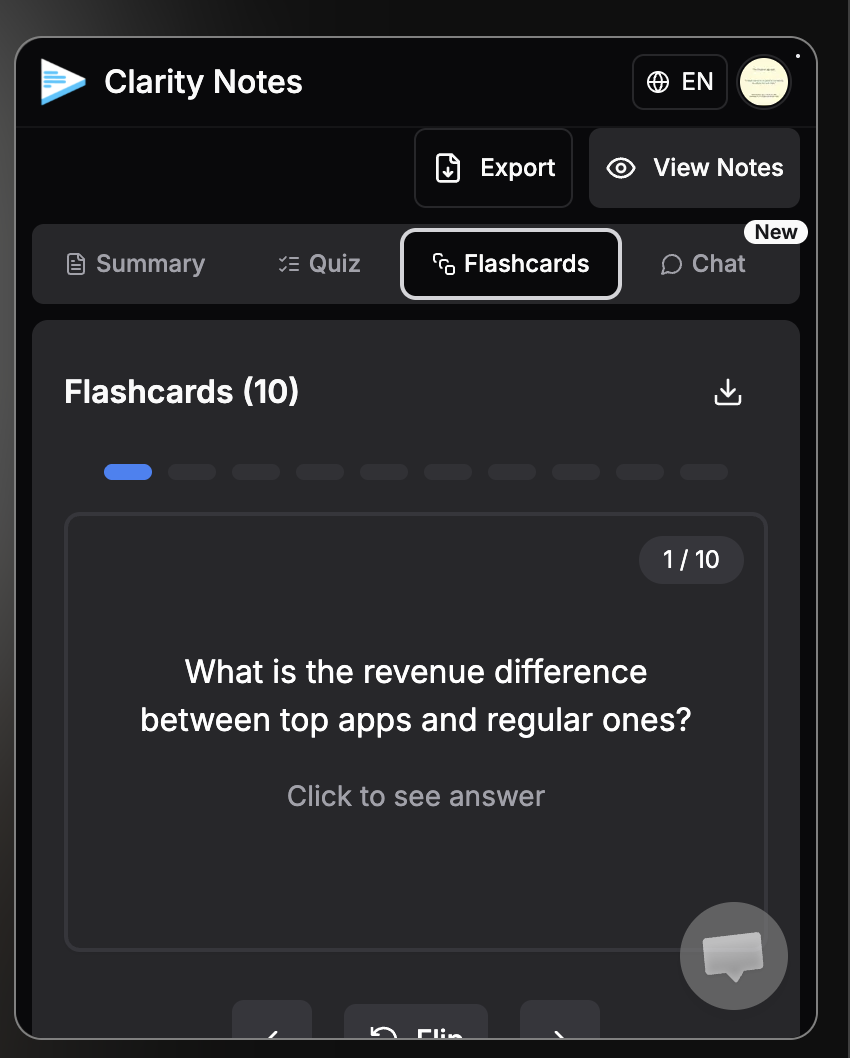
Summarize the video, ask questions, practice with a quiz, and flip through flashcards directly from the YouTube flow.
Product proof
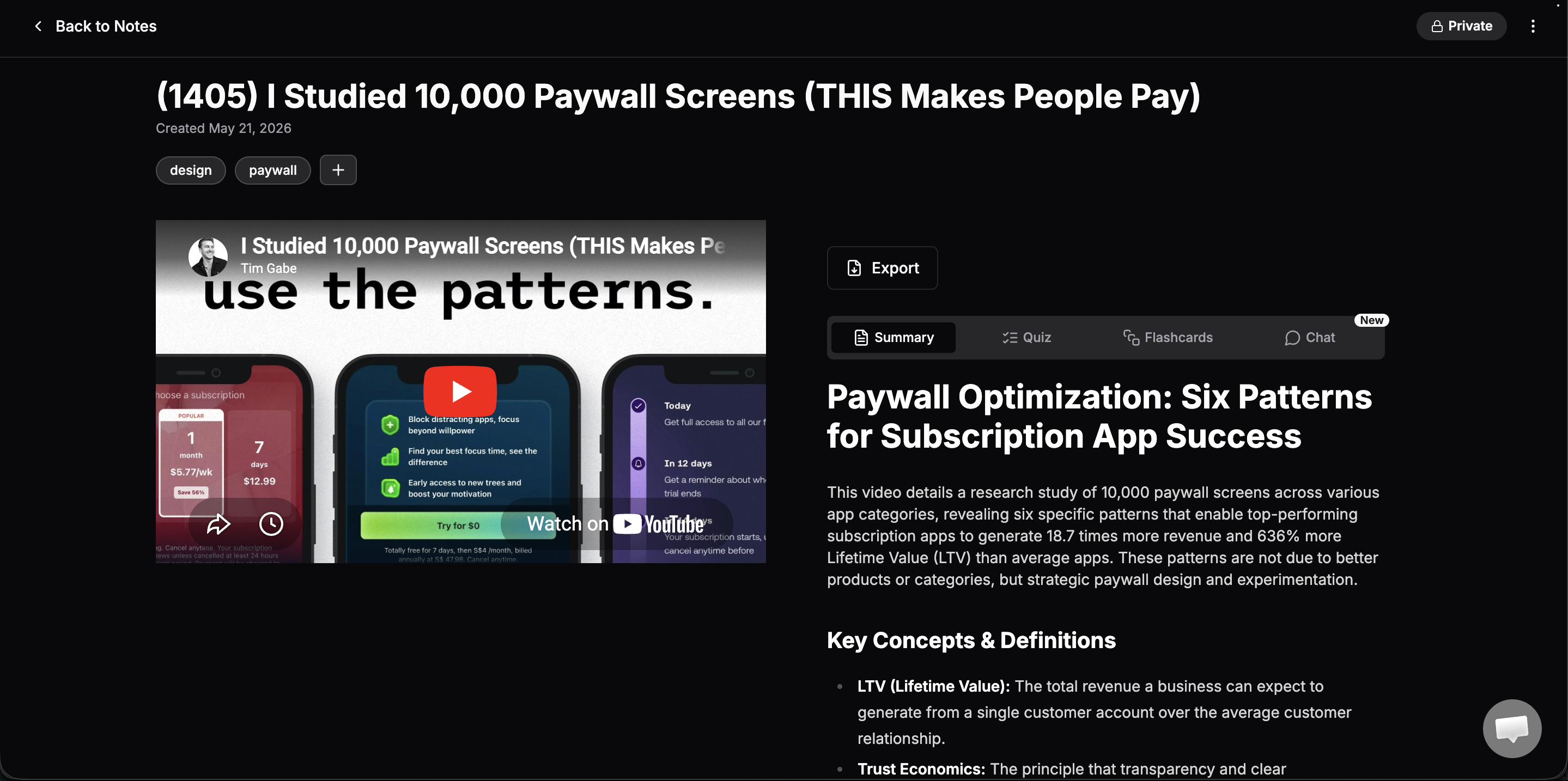
Save every generated note with its source, transcript, tags, quiz, flashcards, and chat context so revision does not get scattered across tabs.
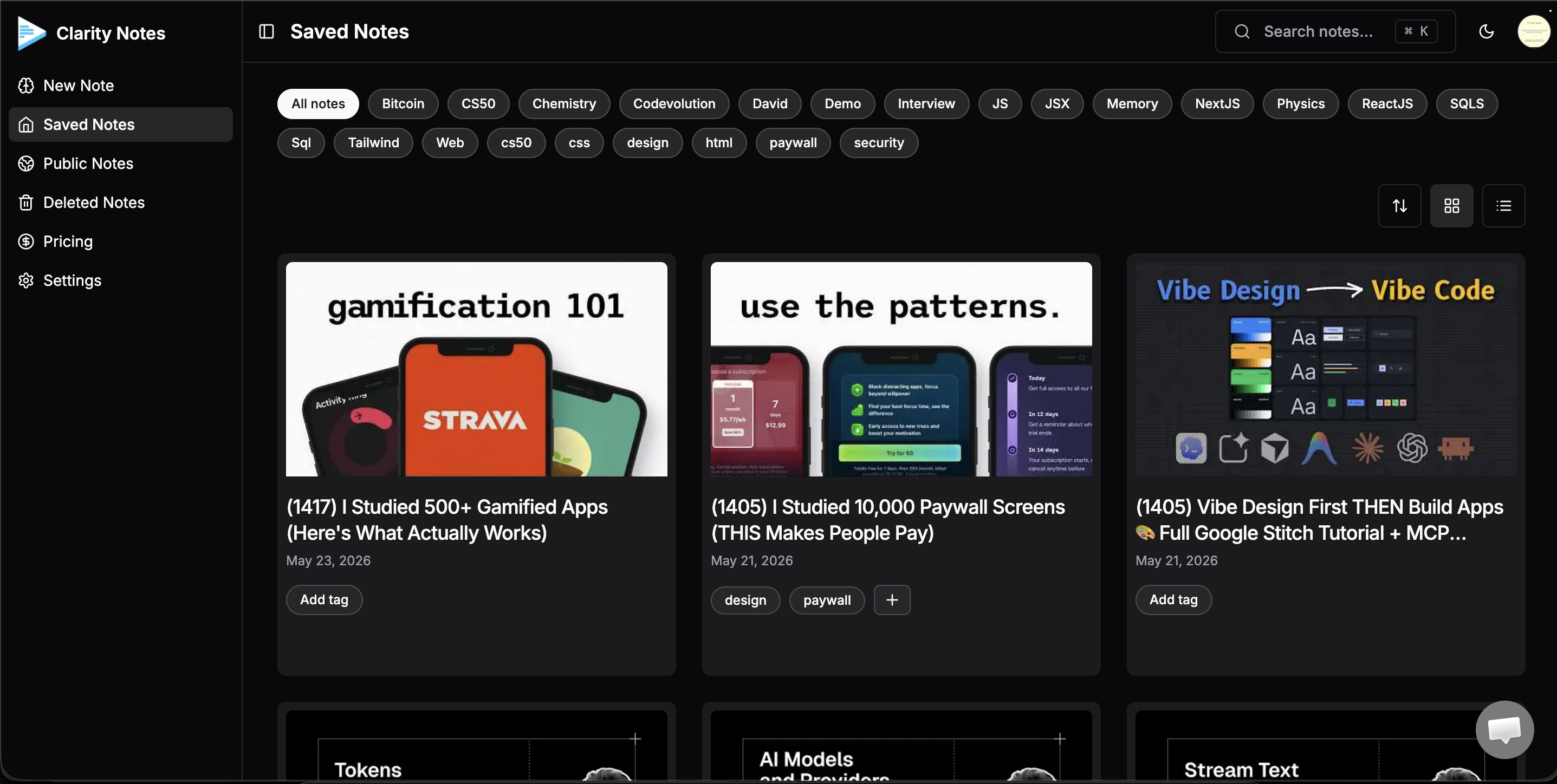
Search, filter, tag, and revisit notes from a focused dashboard built around repeated study.
Keep the source video and structured notes close together, with practice modes one tab away.
Feature gallery
Two-column cards keep the page calmer than masonry while still giving every core workflow a real screenshot or product visual.
Paste any YouTube URL directly inside the web app to automatically fetch the transcript and generate complete study workspaces — no extension required.
Prefer learning directly on YouTube? Use our companion extension to trigger transcription and study set generation in a single click without leaving your video.
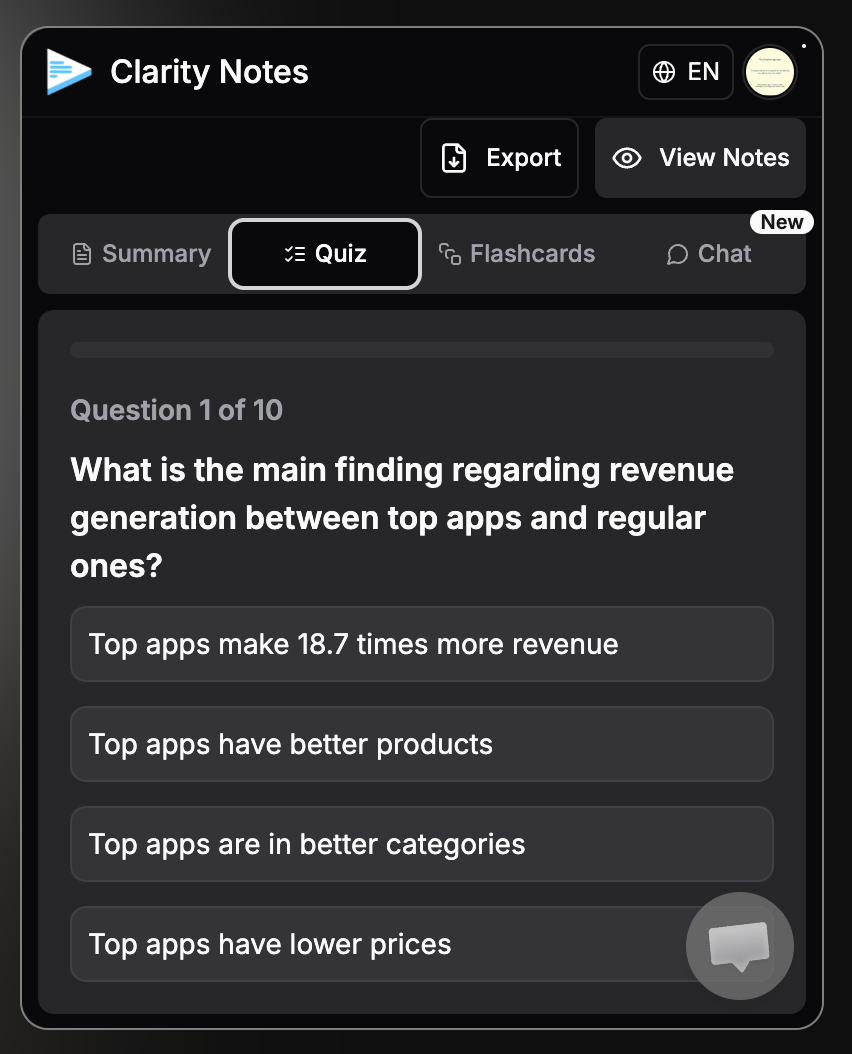
Turn the source into focused questions and active recall cards so students can revise immediately.
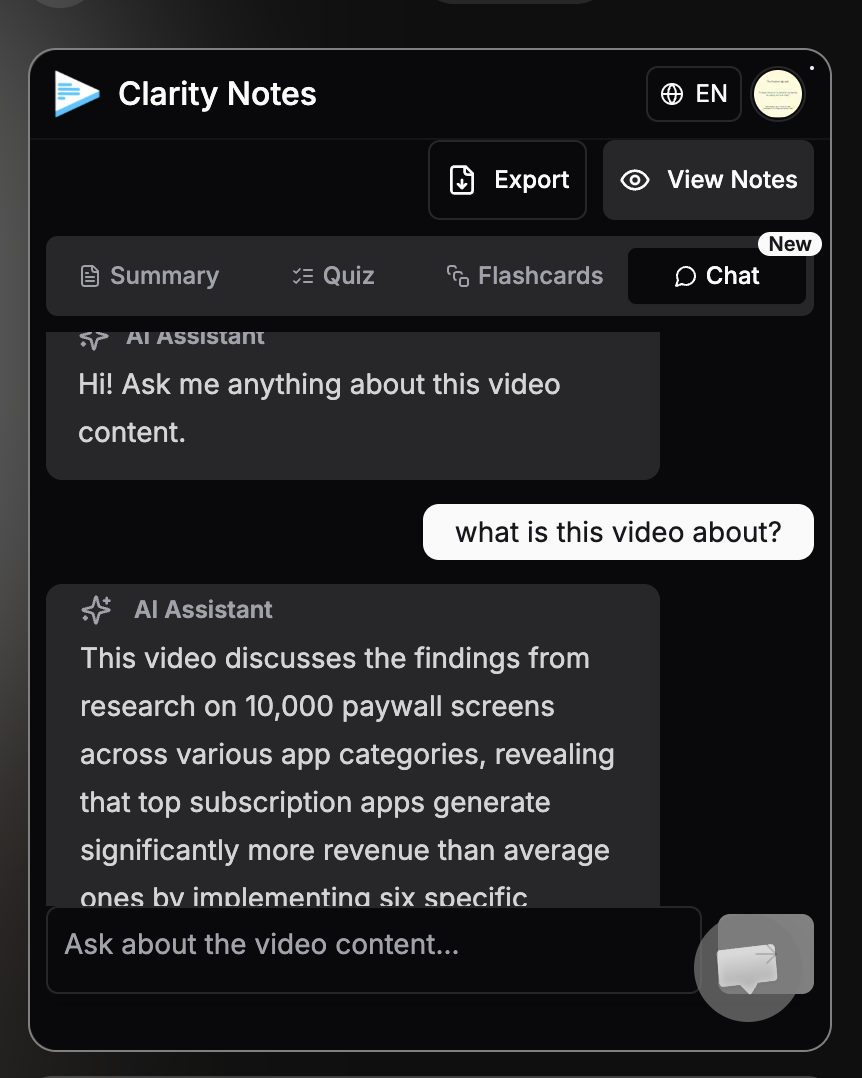
Ask questions about the video or transcript and get answers grounded in the generated material.
Organize every generated note with tags, search, grid/list views, and source thumbnails.
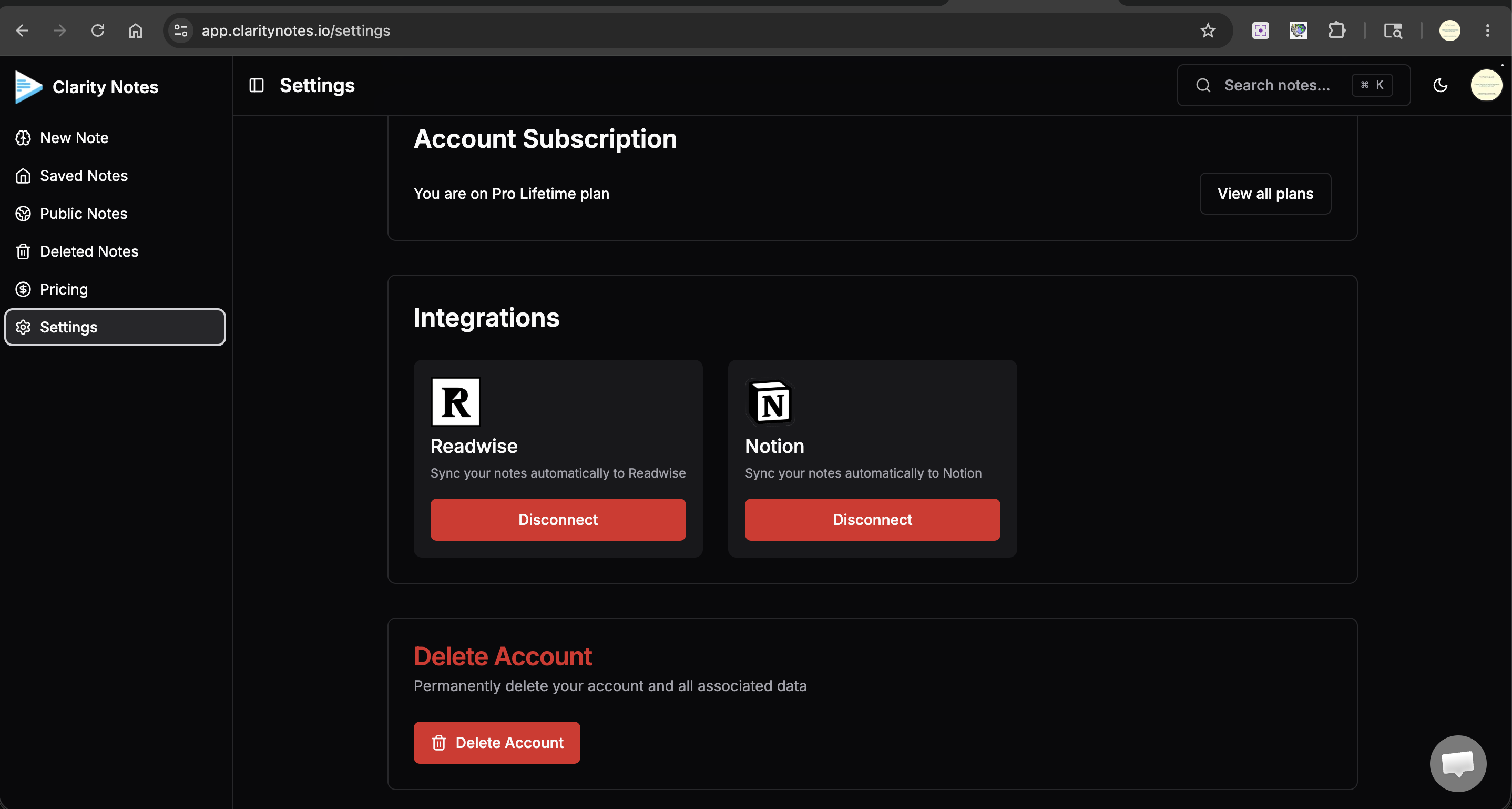
Export finished notes into the tools students already use to review, organize, and build a personal knowledge base.
Saved notes
Chemistry lecture recap
Summary, quiz, flashcards
Organic reactions timeline
Transcript and saved chat
Exam weak areas
Recommended next review
Create custom tags for subjects, filter your saved notes, and keep learning topics easy to revisit.
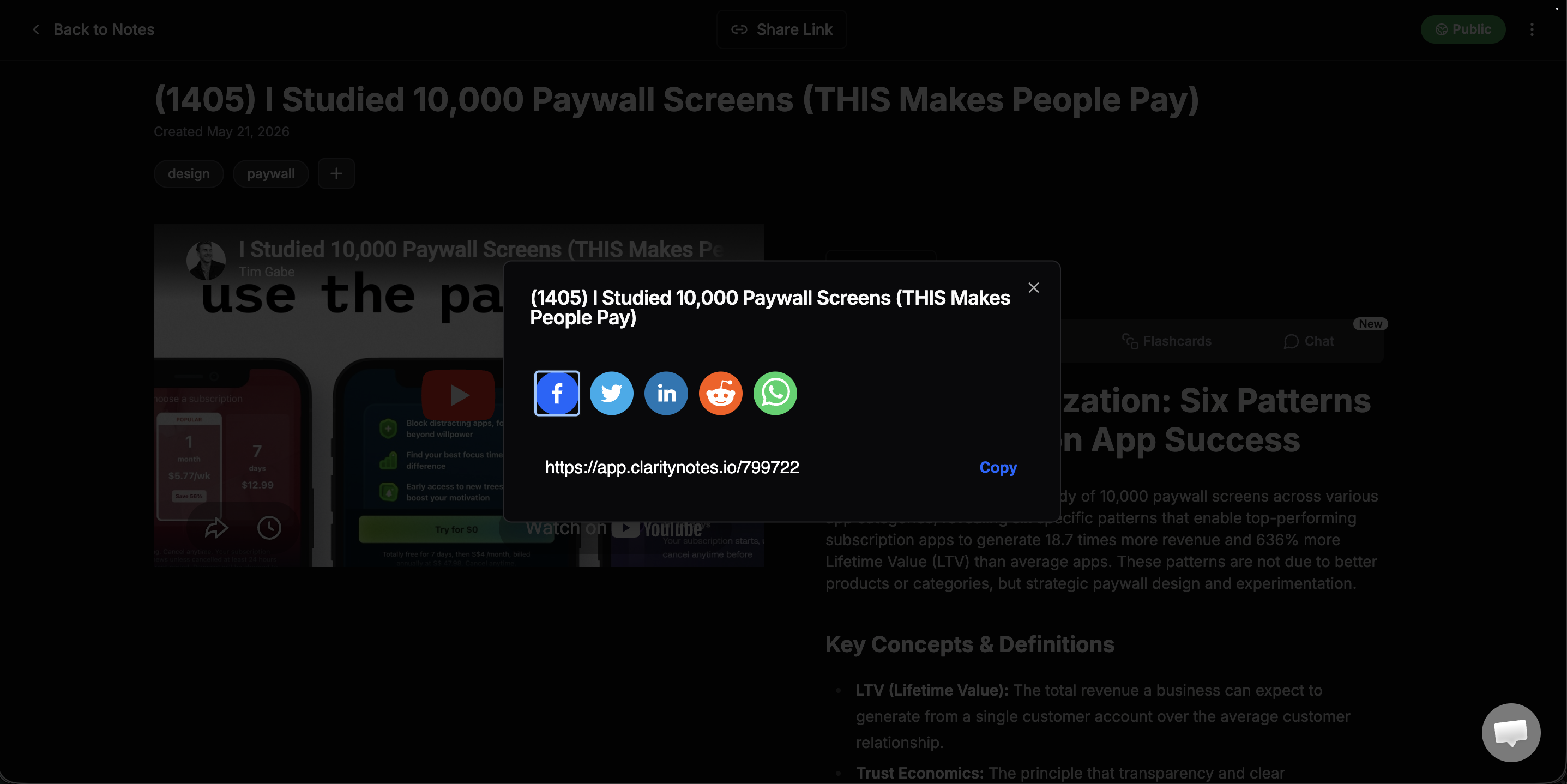
Public/private controls and share links make finished notes easier to send, save, or revisit.
Generate summaries, quizzes, and flashcards in the language that helps you revise.
Generate study material in multiple languages, including Odia, for easier understanding and revision.
Social proof
Lightweight cards keep the page fast while preserving the original source links for trust.
“I absolutely LOVE the new clean UI for Clarity Notes. What a fantastic note-taking Chrome extension for students and teachers when watching YouTube clips.”
“This guy is building a product I have so long been looking for. Do give it a try.”
“Very interesting. I just came to know about this. I can see myself using this a million times daily.”
“If you can have notes along with a video, then it is a cherry on the top. You can get back to notes easily.”
“My friends, this product is too good. Try it out.”
“I absolutely LOVE the new clean UI for Clarity Notes. What a fantastic note-taking Chrome extension for students and teachers when watching YouTube clips.”
“This guy is building a product I have so long been looking for. Do give it a try.”
“Very interesting. I just came to know about this. I can see myself using this a million times daily.”
“If you can have notes along with a video, then it is a cherry on the top. You can get back to notes easily.”
“My friends, this product is too good. Try it out.”
“My friends, this product is too good. Try it out.”
“If you can have notes along with a video, then it is a cherry on the top. You can get back to notes easily.”
“Very interesting. I just came to know about this. I can see myself using this a million times daily.”
“This guy is building a product I have so long been looking for. Do give it a try.”
“I absolutely LOVE the new clean UI for Clarity Notes. What a fantastic note-taking Chrome extension for students and teachers when watching YouTube clips.”
“My friends, this product is too good. Try it out.”
“If you can have notes along with a video, then it is a cherry on the top. You can get back to notes easily.”
“Very interesting. I just came to know about this. I can see myself using this a million times daily.”
“This guy is building a product I have so long been looking for. Do give it a try.”
“I absolutely LOVE the new clean UI for Clarity Notes. What a fantastic note-taking Chrome extension for students and teachers when watching YouTube clips.”
Student outcomes
The benefits are practical: understand, revise, practice, organize, and soon visualize.
Summaries give the shape of the material before you revise.
Quizzes and flashcards turn notes into active recall.
Move from video watching to questions, answers, and examples.
Save generated notes with transcript, source, tags, and chat.
Concept graphs and study maps are marked as the next visual layer.
Use cases
Clarity Notes is useful whenever the source is rich but the next revision step is unclear.
Pricing
The dashboard is where your notes, transcripts, quizzes, flashcards, and chat history live. The Chrome extension is the companion for generating study material directly from YouTube.
Start taking notes and keep a lightweight study library.
Sign up freeMonthly access for students who want unlimited study sets.
Subscribe monthlyWe're building concept maps, timeline charts, and weak-area review tools. See how your studies connect visually.
FAQ
Short answers about the current product and the coming visual learning direction.
Yes. Paste any YouTube URL directly inside the web app to automatically fetch the transcript and generate study materials. You can also use our companion Chrome extension to generate notes directly while watching on YouTube.
Yes. Paste transcript mode is for copied lectures, class notes, talks, and learning material you already have.
Yes. Clarity Notes can generate summaries, quizzes, flashcards, and chat from the same source material.
Yes. Notes can be saved with source links, transcripts, generated study material, tags, and chat context.
The visual graph is positioned as a coming-soon interactive in-app view. It should not be treated as a static screenshot yet. Export as PNG/PDF can become an optional sharing and revision feature.
Yes. Multi-language output is part of the product direction, including support for Odia.
No. The web app natively supports fetching transcripts and generating study workspaces directly from a YouTube URL. The Chrome extension is an optional companion that lets you trigger this same flow in a single click without leaving the YouTube page.
Yes. Clarity Notes can process transcripts and generate summaries, quizzes, and flashcards in multiple languages, including English, Hindi, Spanish, and Odia.
Your generated notes stay safe in your library. You will still be able to access, search, and review all existing notes, but your ability to generate new notes will revert to the Free tier limits.
Absolutely. You can paste any lecture transcripts or copied class notes directly into the dashboard to generate organized study workspaces, summaries, and flashcards.
Yes. We prioritize your privacy. Your notes and study materials are kept secure and are only visible to you unless you explicitly choose to generate a public share link.